Printed threads: bigger is better
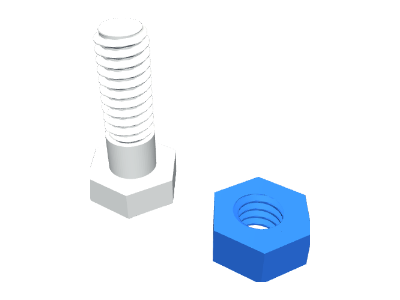
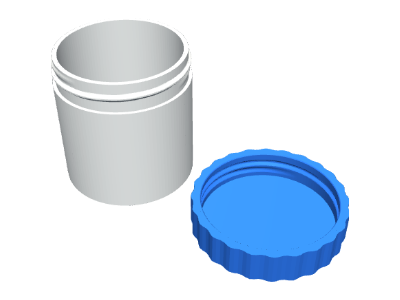
A thread is a tiny ramp that winds round a cylinder. With a 0.4 mm nozzle and 0.2 mm layers, a printer can make that ramp nicely when it is big and coarse, like the thread on a jar lid. Small, fine threads such as M3 or M4 come out rough and break easily.
As a rule of thumb, print threads from about 8 to 10 mm across and up, with a coarse pitch. For anything smaller, use a metal screw.
Making printed threads turn smoothly
- Leave a gap of about 0.2 to 0.3 mm between the screw thread and the nut thread.
- Threads with 45° flanks print without support, standing up or lying down.
- Print screws standing on their head, with thin layers (0.12 to 0.16 mm) and slowly.
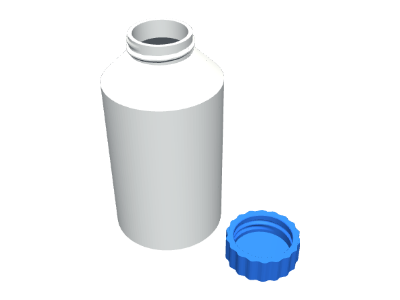
- Print nuts and jar lids lying flat.
Metal screws in printed parts
A metal screw can cut its own thread in plastic if you print a hole that is a bit smaller than the screw. Good starting sizes for this pilot hole are about 2.5 mm for an M3 screw and about 3.4 mm for an M4 screw. Turn the screw in slowly the first time so the plastic does not split.
For a hole the screw should pass straight through, make it about 0.3 to 0.5 mm bigger than the screw: about 3.4 mm for M3 and 4.5 mm for M4.
Threaded inserts
For parts that will be opened and closed many times, a brass heat-set insert is the strongest choice. You press it into a printed hole with a hot soldering iron and it gives you a metal thread that lasts.